Experience Type
The Experience Type extension registers your app as a new type of Showpad Experience, making it available in the Create New Experiences dialog in the Admin App.
What you'll learn:
- What the Experience Type extension does and where it appears in Showpad
- How to declare it in your
manifest.json
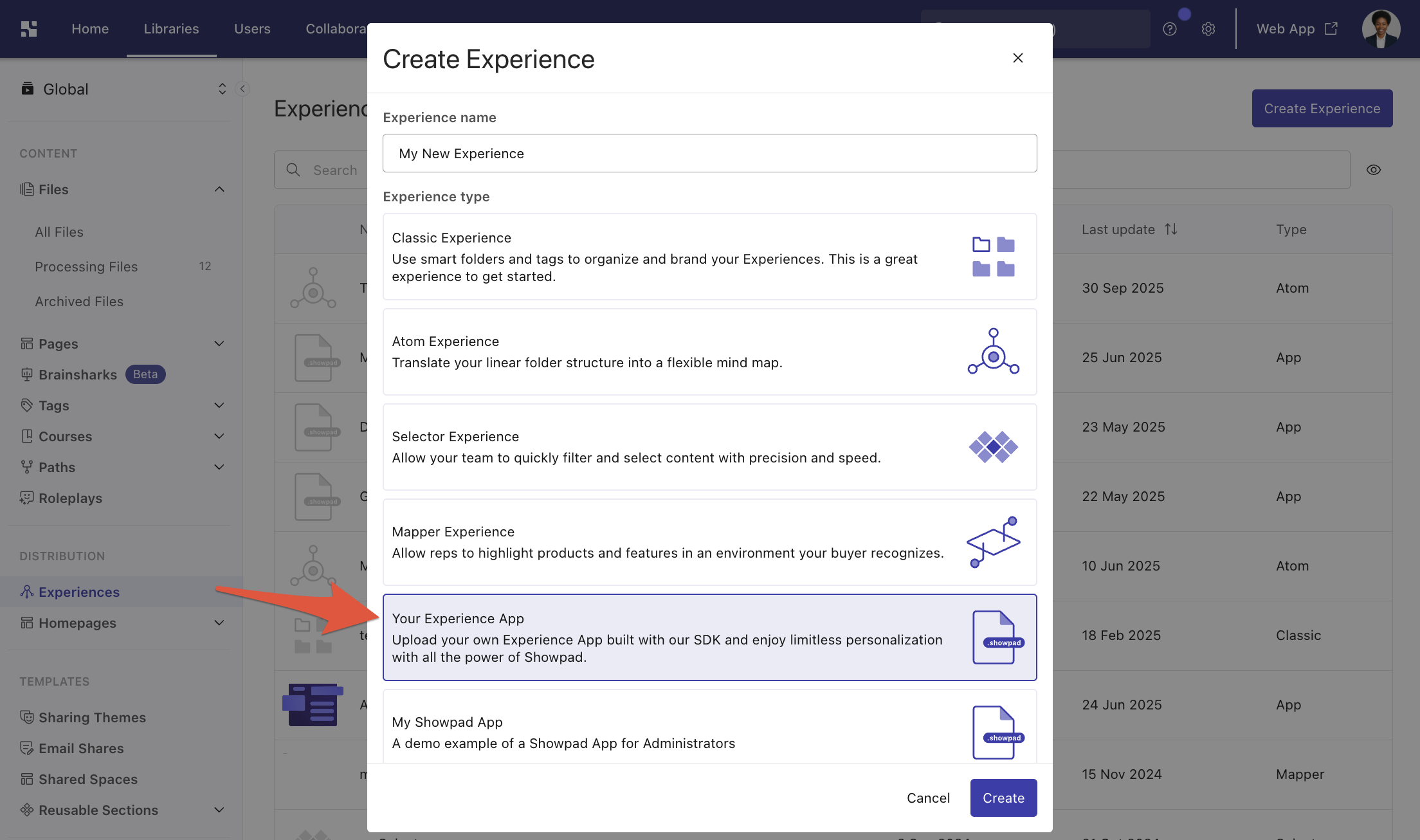
Once an admin installs the app, they can create a Showpad Experience from it and define which Divisions have access. By default, all Divisions have access to new Experiences.
Use the experienceTypes property in your manifest to define it:
"experienceTypes": [
  {
    "extensionKey": "my-experience",
    "name": "My Experience",
    "description": "Excellent description",
    "resources": {
      "folder": "exp-files"
    }
  }
]
note
After 120 minutes of inactivity, the Experience closes and the user is returned to the Homepage.
Next Steps
- Add an Experience Type Extension - wire up this extension type in your app
- Manifest File - full property reference for
experienceTypes
Was this page helpful?